
Overview
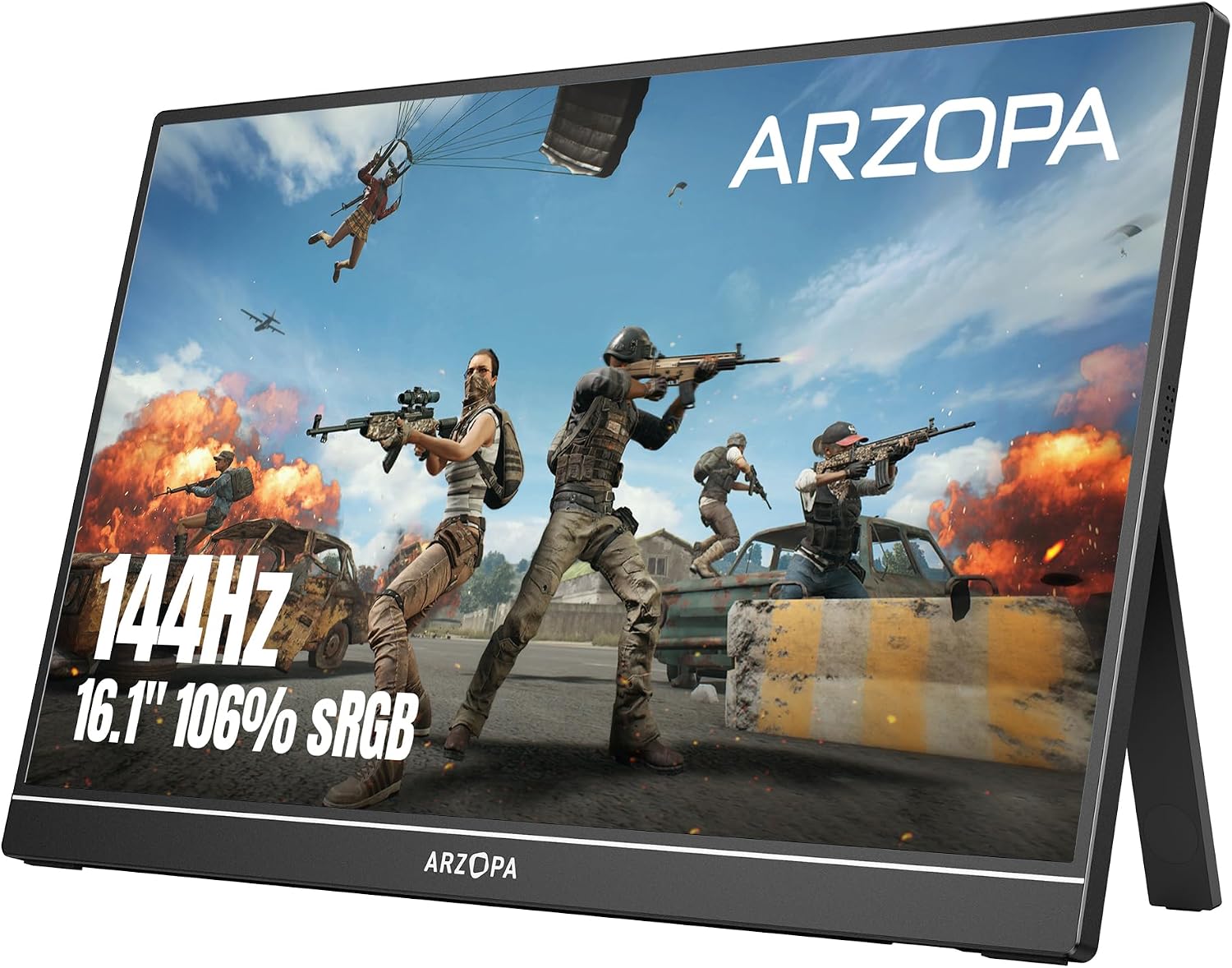
This review covers the ARZOPA Z1FC, a 16.1-inch portable monitor with a Full HD (1920×1080) IPS panel, a 144Hz refresh rate, HDR support, and a manufacturer-claimed 100-106% sRGB color coverage (figures vary slightly across ARZOPA’s own listings). It weighs around 780g, measures roughly 0.35 inches thick, and includes a built-in folding kickstand along with dual USB-C ports and a Mini HDMI port for broad device compatibility — laptops, PCs, consoles like the PS5 and Xbox, the Nintendo Switch, and even smartphones. This is a single core hardware configuration; ARZOPA does sell it in different color options (gray/black variants have appeared across listings), but the panel, refresh rate, and features are consistent across them.


Image Quality: Good for the Price, Not a Color-Accuracy Standout
This is the area where it’s most important to set realistic expectations, and where sources diverge somewhat depending on how critically they tested. PCWorld, one of the more rigorous outlets to review this specific monitor, was direct about it: the Z1FC’s SDR image quality is mediocre when measured against premium desktop monitors, which tracks with its budget price point ($199.99 MSRP, though it frequently sells for less). Several other reviewers, including MacSources and Arzopa’s own review partners, describe the picture more favorably once HDR and other settings are properly configured, calling it vivid and impressively colorful for the format. Reconciling these views: this is a genuinely solid picture for a lightweight travel monitor, particularly once you spend a few minutes in the on-screen menu adjusting brightness, contrast, and color temperature — but it’s not going to match, or is meant to compete with, dedicated color-accurate desktop displays. If you’re a photo or video editor needing precise color grading, this isn’t the right tool; if you want a good-looking secondary screen for gaming, browsing, or productivity on the road, most reviewers found it satisfying.
One inconsistency worth flagging: a NicheGamer reviewer specifically noted HDR appeared washed out when connected to a MacBook Pro, while working well when connected to a Steam Deck for gaming — a reminder that portable monitor performance, especially with HDR, can vary meaningfully depending on the source device you’re pairing it with.
Gaming Performance
The 144Hz refresh rate is the Z1FC’s core selling point, and reviewers consistently found it delivers on that promise — smoother motion than a standard 60Hz portable display, particularly noticeable in fast-paced genres like racing games, fighting games, and shooters. It’s compatible with a wide range of gaming hardware, including the Steam Deck, Nintendo Switch, PS5, and Xbox, via its USB-C and Mini HDMI inputs. It’s worth noting this monitor does not support adaptive sync (FreeSync/G-Sync), which more premium 144Hz portable and desktop monitors typically include to prevent screen tearing — a real, if modest, trade-off at this price point that a couple of independent reviewers flagged specifically.

Speakers: The Most Consistent Complaint
This is genuinely the most unanimous criticism across every single review we found, professional and consumer alike. PCWorld described the built-in 1-watt speakers as weak, useful in a pinch for a podcast but otherwise not practically usable. MacSources and NicheGamer both independently reached the same conclusion — audio is thin and underwhelming, and NicheGamer specifically noted the monitor lacks a dedicated headphone jack, meaning you’re somewhat limited on external audio options depending on your connection setup. If sound quality matters to your use case, plan on using headphones or external speakers; don’t expect to rely on the built-in audio for anything beyond casual background listening.
Build Quality and Portability
This is a genuine strength, and reviewers across the board praised the thin, lightweight design (0.35 inches thick, under two pounds) as making it an easy, low-friction addition to a backpack or travel bag. The built-in kickstand was specifically praised by PCGearReviews as “belonging on hardware twice the price,” offering quick, stable deployment without needing a separate stand accessory. EnosTech’s review was a bit more measured, noting the body feels decent but not premium, and specifically criticized the large front-facing logo as a design choice that makes the monitor look cheaper than its actual build quality suggests — a cosmetic nitpick rather than a functional one.
A Real Durability Concern Worth Flagging
This deserves honest treatment rather than being buried. At least one verified Amazon buyer review reported the screen cracking after only two uses while being carried in a bag, specifically noting the lack of a proper protective case or built-in screen protection as the likely cause. This tracks with a broader pattern seen across ARZOPA’s product line more generally — a Reddit-sourced review aggregator specifically flagged the closely related Z1C model as “fragile” in a portable-monitor context. It’s worth being clear that this kind of report doesn’t appear to be the majority experience — most buyer and press reviews don’t mention cracking — but thin, glass-fronted portable monitors are inherently more vulnerable to damage in transit than desktop monitors, and this model doesn’t ship with a dedicated protective case by default. If you plan to travel with this regularly, budgeting for a separate protective sleeve or case is a sensible precaution based on this pattern of feedback.

Connectivity and Software
Connectivity is genuinely strong for the price tier: dual USB-C ports (allowing single-cable power-and-video connections for supported devices) plus Mini HDMI, giving broad compatibility across laptops, consoles, and even some smartphones. PCWorld specifically praised the inclusion of a dedicated menu button — a small but genuinely convenient feature not always present on budget portable monitors, which often require an awkward long-press to access on-screen settings. The on-screen menu itself offers a reasonable degree of control: brightness, contrast, sharpness, color temperature, and RGB adjustment.

How It Compares
PCGearReviews’ comparison is useful context here: against the pricier Lenovo ThinkVision M14d, the Z1FC trades away 2K resolution and integrated blue-light sensors in exchange for a faster refresh rate and a notably more stable kickstand (the Lenovo’s fold-out foot reportedly wobbles on uneven surfaces). Against higher-end options like the Innocn OLED portable monitor, you’d gain true HDR and infinite contrast but pay close to double the price and drop down to 60Hz. In other words, the Z1FC’s niche is clear: it’s positioned well for buyers who prioritize smooth motion and portability over the color precision or premium build of pricier alternatives.

Pros and Cons
 Z1FC
$96,99
|
 Z3FC
$139,00
|
 Z1RC
$124,98
|
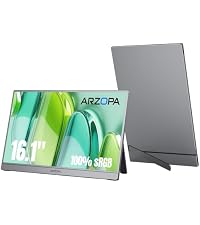 Z1C
$84,98
|
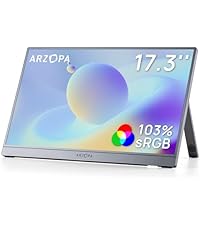 Z1C PLUS
$119,99
|
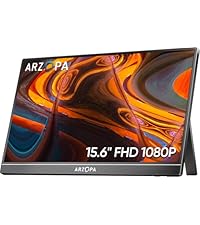 A1
$79,99
|
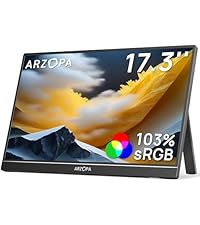 A1M
$119,99
|
|
|---|---|---|---|---|---|---|---|
| Screen Size | 16.1 inch | 16.1 inch | 16.0 inch | 16.1 inch | 17.3 inch | 15.6 inch | 17.3 inch |
| Refresh Rate Base | 144 Hz | 180 Hz | 60 Hz | 60 Hz | 60 Hz | 60 Hz | 60 Hz |
| Highlights | 144Hz Ultra-High Refresh Rate | 180Hz & 2.5K | 2.5K QHD Resolution | Rich Colors, premium gray | Big screen, premium gray | with Kickstand | Big screen, more exciting |
| Recommend for | Gaming, Video, Edit | Gaming, Video, Edit | Gaming, Video, Edit |
Entertainment, Business Work |
Gaming, Video, Edit | Business Work, Video, Edit | Gaming, Video, Edit |
| Color | Black | Gray | Black | Gray | Gray | Black | Black |
| Color Gamut | 106% sRGB | 107% sRGB | 123% sRGB | 100% sRGB | 103% sRGB | 65% sRGB | 103% sRGB |
Verdict
The ARZOPA Z1FC is a genuinely smart pick for the specific job it’s built for: a smooth, portable, budget-friendly secondary screen for travel, gaming on the go, or working away from your main desk setup. Its 144Hz refresh rate and sturdy kickstand are real, consistently-praised strengths, especially relative to its price. Where it falls short of being an all-around recommendation is image quality that’s solid-but-unremarkable by more demanding standards, weak built-in audio you’ll want to work around, and a documented (if not widespread) durability risk given the lack of an included protective case. If you want a lightweight, high-refresh-rate travel monitor and don’t need studio-grade color accuracy or built-in sound, this is a sensible, well-reviewed choice — just budget for a protective sleeve, and plan on using headphones or external speakers for anything beyond casual audio.

Related Posts
TCL 75-Inch QM6K Review — Budget Mini-LED Gaming TV With Impressive Brightness
The TCL 75-Inch QM6K is one of TCL’s newest large-screen…
Xbox Series X Review: Is Microsoft’s Console Still Worth Buying in 2026?
The Xbox Series X remains one of the most powerful…
Cocopar 15.6″ Portable Monitor Review: A Reliable Budget Second Screen
Review Cocopar has carved out a steady presence in the…
