
At under $90, the MNN 15.6-inch FHD portable monitor packs dual USB-C ports, HDR support, a built-in speaker pair, and a smart cover that doubles as a stand — all in a sub-9mm chassis. It’s one of the most feature-complete budget portable monitors currently available. But a few compatibility caveats are worth knowing before you buy.
Introduction
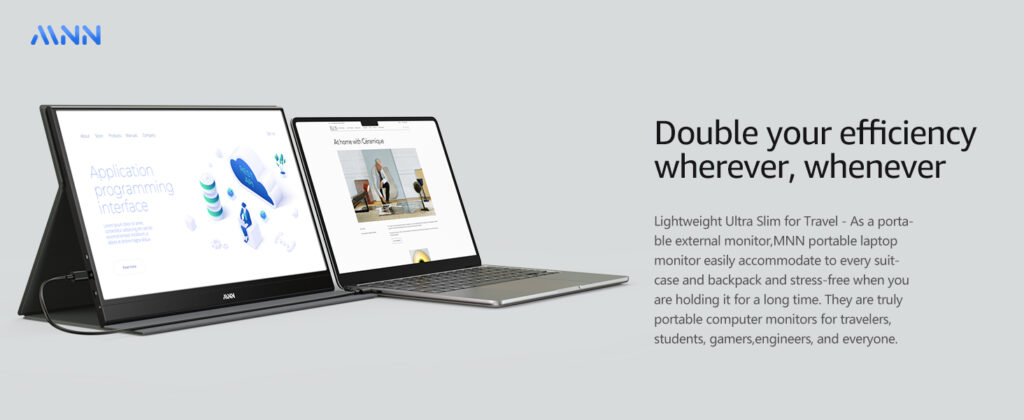
Portable monitors have become essential gear for remote workers, students, travelers, and gamers who want a second screen without the commitment of a full-sized display. The MNN 15.6″ FHD has carved out a top spot in this crowded category by offering a genuinely useful feature set at a price point most competitors can’t match. Dual USB-C ports, plug-and-play connectivity, HDR support, built-in speakers, and an included smart cover/stand are all present out of the box — a combination that typically costs significantly more from more established brands.
What is it?
The MNN 15.6″ is a slim, lightweight IPS portable monitor designed to work as a second screen for laptops, MacBooks, phones, gaming consoles (PS5, PS4, Xbox, Switch), and desktops. It connects via USB-C or mini-HDMI, requires no drivers, and is powered directly through the USB-C cable when connected to a device — no external power brick needed in most setups. The included PU leather smart cover folds into a stand supporting both landscape and portrait orientations, making it functional from the moment you open the box.
Key specifications
| Screen size | 15.6 inches (16:9) |
| Resolution | 1920 × 1080 (Full HD 1080p) |
| Panel type | IPS — matte finish |
| Viewing angle | 178° horizontal and vertical |
| Color gamut | 75% NTSC |
| HDR support | Yes (HDR processing) |
| Refresh rate | 60Hz |
| Connectivity | 2× USB-C (full-featured) + 1× mini-HDMI + 3.5mm audio |
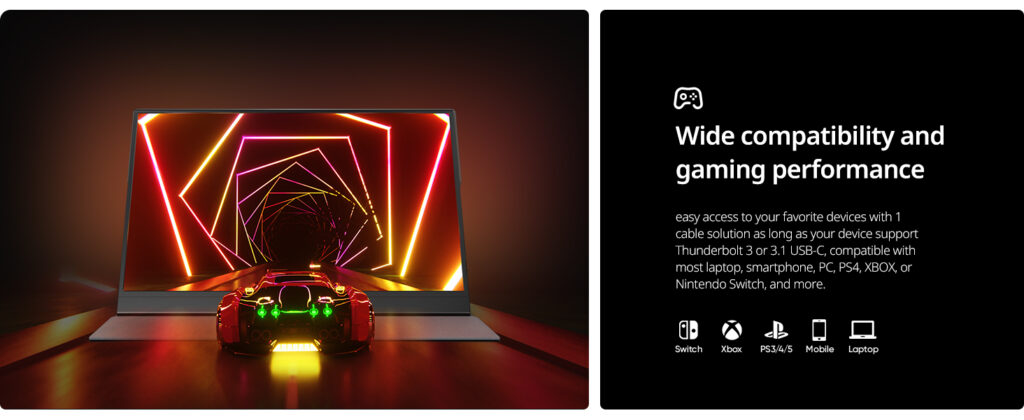
| USB-C requirement | Thunderbolt 3.0 or USB 3.1 Type-C DP Alt Mode required |
| Power | Bus-powered via USB-C (no battery) |
| Speakers | Built-in dual speakers |
| Display modes | Copy / Extended / Second Screen / Portrait |
| Stand | PU leather smart cover doubles as adjustable stand |
| Thickness | ~8.8mm |
| Weight | ~1.9 lbs (870g) |
| In the box | Monitor, smart cover, USB-C cable, mini-HDMI cable, power adapter |
Pros and cons
✓ Pros
- Dual USB-C ports — single cable powers and transmits signal
- Plug-and-play — no drivers or software needed
- IPS matte panel — good color accuracy, no glare
- 178° viewing angle works in any orientation
- HDR mode noticeably improves contrast
- Smart cover doubles as portrait/landscape stand
- Built-in speakers — functional for travel use
- Mini-HDMI + USB-C — wide device compatibility
- Slim and light — fits in laptop sleeves and backpacks
- Excellent price-to-feature ratio
✗ Cons
- Requires DP Alt Mode USB-C — not all USB-C ports work
- Brightness limited to ~30% without external power on USB-C
- No battery — needs constant power source
- 60Hz only — not ideal for high-framerate gaming
- 75% NTSC color gamut — below average for color work
- Built-in speakers are thin — not for serious audio
- Smart cover stand has limited tilt adjustment range
- Settings reset on every power cycle (no memory)
Performance in practice
The IPS matte panel delivers sharp, accurate visuals for productivity tasks, video streaming, and casual gaming at 1080p. The 178° viewing angle is genuinely wide — colors and contrast hold up well even at steep off-axis positions, which matters for portrait mode use or collaborative viewing. HDR mode adds visible improvement to contrast and highlight detail, though as a software-processed HDR it doesn’t match the hardware HDR found on premium displays.
The plug-and-play experience via USB-C is seamless on compatible devices — connect one cable and the display is live within seconds, no configuration needed. Response time is solid for 60Hz, with no noticeable ghosting in everyday use or moderate gaming. The built-in speakers are adequate for video calls and background audio, but thin-sounding by any serious audio standard.
Compatibility check required: Your device’s USB-C port must support Thunderbolt 3.0 or USB 3.1 with DP Alt Mode. Many budget laptops and older MacBooks have USB-C ports that do NOT support video output — verify before buying. In HDMI mode, an external power supply (5V/2A) must be connected separately.
Who is this for?
Great fit
- Remote workers and digital nomads
- Students needing a second screen
- Travelers who want a portable setup
- Console gamers on the go (PS5, Xbox, Switch)
- Anyone extending a MacBook or modern laptop
Consider alternatives if…
- You need 120Hz+ for competitive gaming
- You do color-critical design or photo editing
- Your device only has USB-A or older USB-C ports
- You need a built-in battery for untethered use
How it compares
Need 120Hz for gaming?→ ARZOPA Z1FC (144Hz, same 15.6″ size, ~$20 more)
Want better color accuracy?→ KYY 15.6″ (100% sRGB, slightly higher price)
Need a built-in battery?→ ESPOW Portable Monitor (4000mAh battery)
Want a trusted brand?→ ASUS ZenScreen MB16AC (premium, ~3× the price)
Final verdict
8.3 out of 10
★★★★☆
One of the best-value portable monitors at its price point. Dual USB-C, plug-and-play, HDR, and a smart cover in one package is hard to beat under $90 — just verify USB-C compatibility before ordering.
The MNN 15.6″ FHD Portable Monitor delivers more than its price suggests. For remote workers, students, and travelers who need a reliable second screen without the bulk or the cost of a premium brand, it’s a genuinely solid buy. The dual USB-C setup and true plug-and-play behavior make daily use frictionless, and the included smart cover eliminates the need for a separate stand. The 60Hz panel and 75% NTSC gamut are real limitations for gaming enthusiasts and color professionals — but for everyone else, this monitor does exactly what a portable display should do, without fuss.
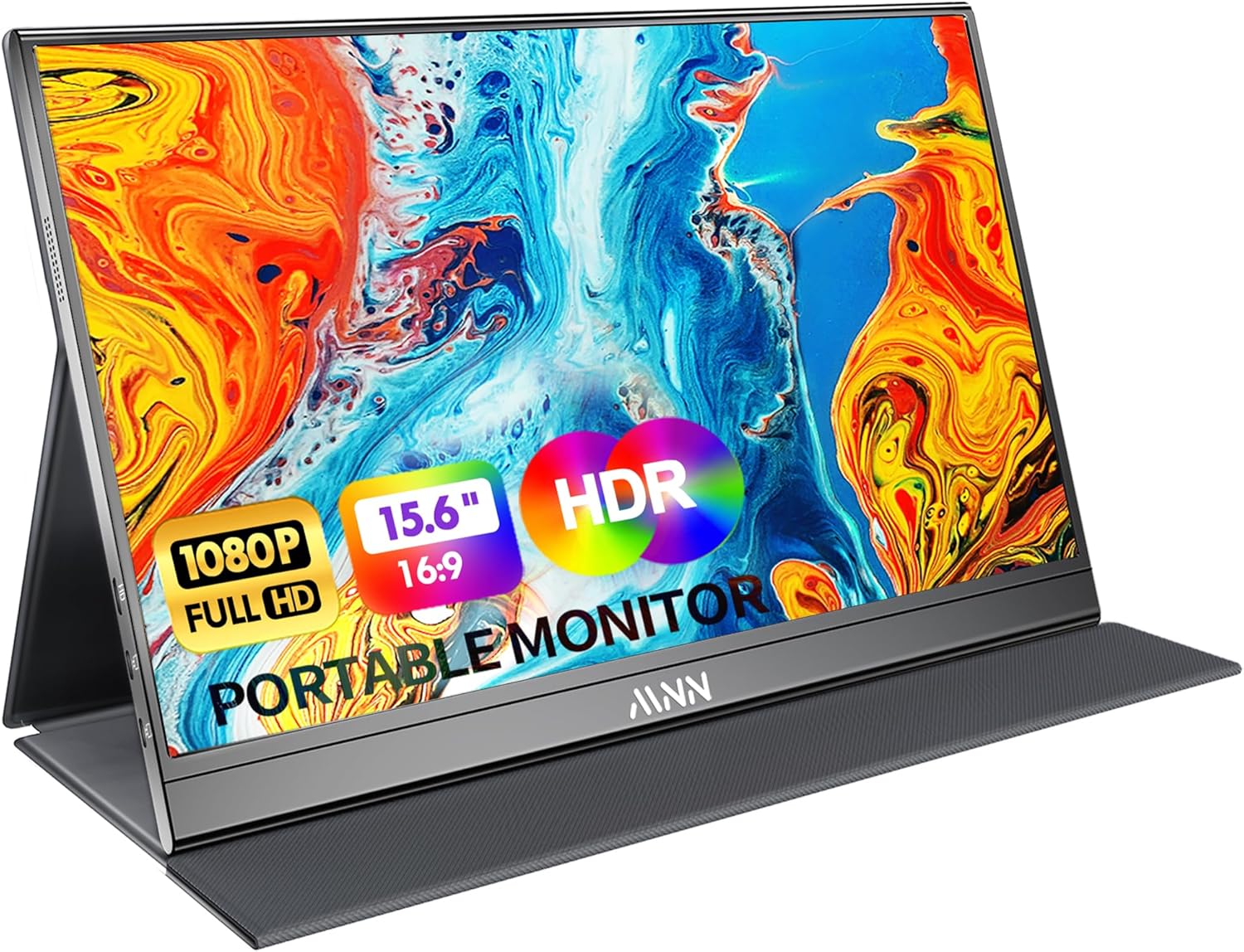
Full HD Portable Monitor – MNN 15.6inch portable laptop monitor with 1920*1080 resolution, advanced IPS matte screen support 178° full viewing angle, it renders accurate and bright color, draws you into the video or game with lifelike colors and amazing detail.It can effectively reduce blue light radiation damage, no flickering, eye-care, and make it easier to watch for a long time.A second monitor for working from home.
Related Posts

Lenovo Idea Tab (2025) Review: A Genuinely Nice Screen Held Back by Weak Performance
Overview This review covers the specific Lenovo Idea Tab (2025)…
Nintendo Switch 2 Review: A Genuine Generational Leap, at a Genuine Generational Price
Overview The Nintendo Switch 2 is Nintendo's follow-up to the…
Roku Smart TV 2025 Review — Affordable Streaming TV With Ultra-Slim Design
The Roku Smart TV 2025 Ultra-Slim is part of Roku’s…
