
Overview
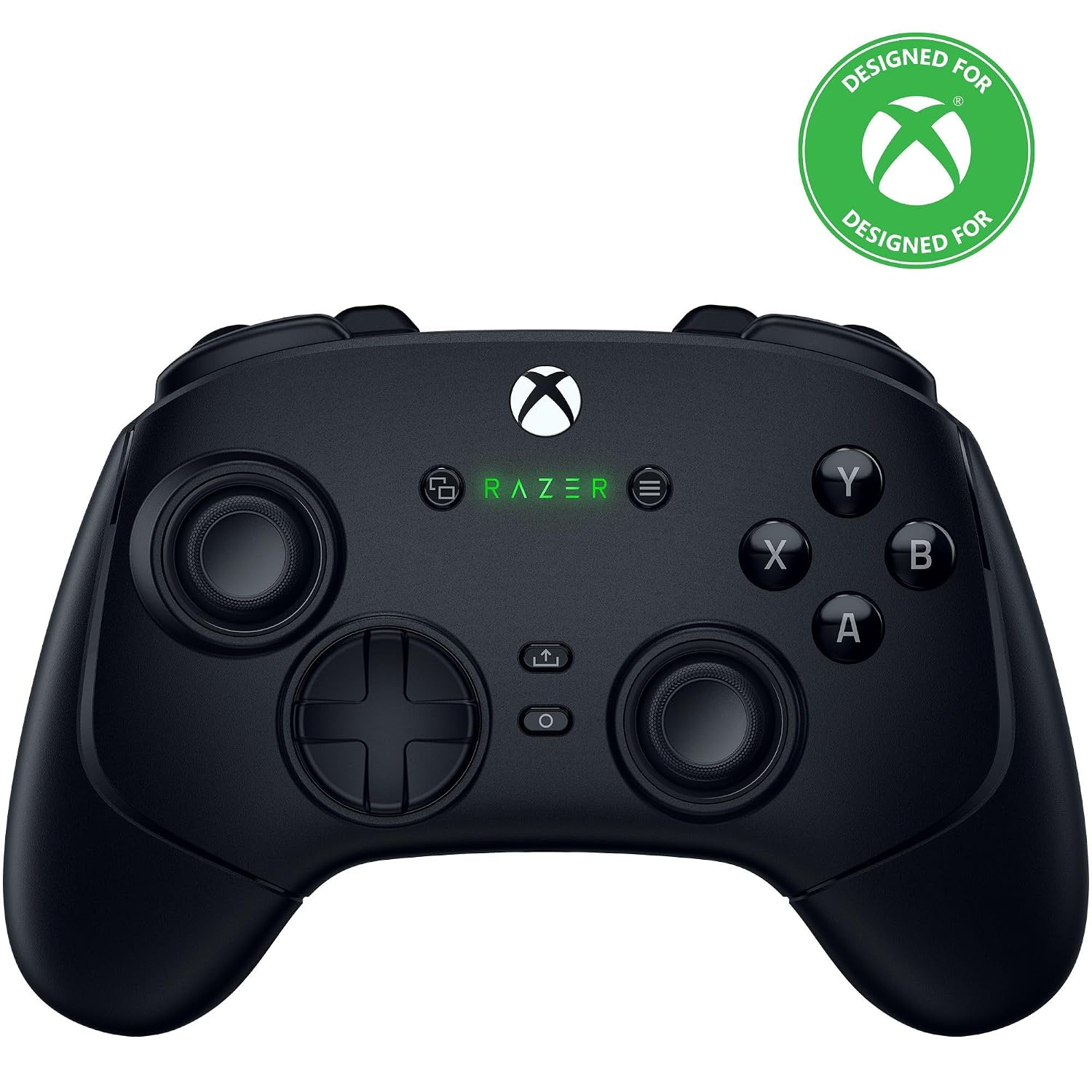
This review covers the Razer Wolverine V3 Pro, the officially Xbox-licensed wireless controller for Xbox Series X|S, Xbox One, and Windows PC, in black. It’s worth being precise about which product this is: Razer’s Wolverine lineup includes several variants, including the standard V3 Pro reviewed here, a cheaper Tournament Edition (around $99, which strips out several premium features), and a separate “8K PC” edition aimed specifically at PC users with even higher polling rates. This review reflects the standard wireless V3 Pro, which connects via a 2.4GHz HyperSpeed dongle or USB-C wired connection, and carries an MSRP of $199.99 — notably, it does not support PlayStation, unlike its predecessor.
Design and Build Quality
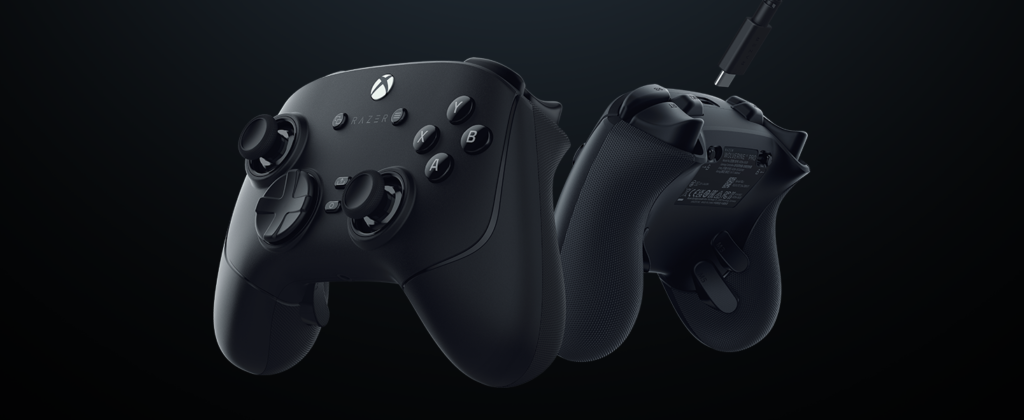
This is where the V3 Pro earns near-universal praise. TechRadar called the build quality “utterly sublime” from the chassis down to the buttons, and Tom’s Guide similarly highlighted its premium feel. The controller uses Razer’s Mecha Tactile switches for the face buttons — essentially adapting gaming mouse switch technology into a controller — which testers across multiple outlets describe as satisfyingly clicky and responsive in a way that sets it apart from standard Xbox or PlayStation pads.
The one consistent design criticism is aesthetic rather than functional: several reviewers, including TechRadar and a reviewer at Pokde.net, described the all-black finish as visually plain, with minimal RGB lighting beyond a small illuminated Razer logo. If flashy looks matter to you, this isn’t that controller — it’s built for performance, not spectacle.

Performance
The headline features are Hall Effect (technically TMR — tunnel magnetoresistance, on the newer revision) thumbsticks and triggers, which use magnetic sensors instead of physical contacts to eliminate the stick drift that plagues standard controllers over time. PC Gamer specifically called out this upgrade as effectively future-proofing the controller against that common failure point. Four remappable back buttons plus two “claw grip” bumpers give competitive players extensive customization, and the companion software — Razer Controller app — was praised by multiple outlets, including PC Gamer, as intuitive and far less intimidating than expected.
On PC, the controller supports polling rates up to 1,000Hz (up to 8,000Hz on the newer 8K PC edition), which several reviewers tested directly. The consensus is nuanced: PCGamesN found the practical difference between 1,000Hz and lower polling rates to be marginal in actual gameplay, mostly noticeable in thumbstick responsiveness rather than a transformative experience. It’s a genuine technical achievement, but not one that will dramatically change your win rate on its own.

Battery Life
This is the most consistent weak point across independent reviews, and it deserves honest treatment here rather than being glossed over. Razer advertises roughly 20 hours of battery life, and most testers found that figure roughly accurate — PC Gamer’s testing suggested you might get somewhat more than 20 hours in practice, while Pokde.net’s real-world testing found it closer to 18-20 hours. PCGamesN found more variable results depending on settings, landing in the 10-15 hour range with certain features enabled, and noted this compares unfavorably to competitors like the Xbox Elite Series 2, which can last up to 40 hours per charge. Esports.gg’s reviewer specifically noted the battery running out at inconvenient moments during testing — a real practical annoyance for a controller marketed toward serious, extended play sessions.
It’s also worth flagging that a number of user reports on Razer’s own community forums describe more serious battery-related issues — controllers failing to hold a charge or becoming unresponsive after a charging problem. This doesn’t appear to be the majority experience based on professional reviews, but it’s a pattern worth being aware of, and Razer’s customer support responsiveness has drawn some frustrated feedback in these threads.

Weight and Ergonomics
Razer significantly reduced the controller’s weight in this generation — down to around 220g from 304g in the previous Wolverine V3, a roughly 28% cut that multiple reviewers noted makes a real difference during long sessions. GamesRadar+ called the ergonomic refinements a “huge win” over the previous generation, describing the new shape as more robust and professional-feeling in hand, even while retaining a slightly more rounded, bulkier grip than a stock Xbox controller. One recurring minor criticism, flagged by Stuff and GamesRadar+, is that the back paddles can feel slightly obstructive or awkwardly placed for some hand sizes and grip styles — a small but real ergonomic quirk worth testing in person if possible.
Price and Value
At $199.99, there’s no getting around it: this is an expensive controller, and reviewers are unanimous that it’s a hard sell for casual players. PC Gamer noted it costs nearly $50 more than Microsoft’s own Xbox Elite Series 2, and PCGamesN’s review is literally subtitled around being “hampered by price.” That said, the same reviewers consistently conclude that the build quality, Hall Effect components, and customization genuinely justify the cost for competitive or esports-focused players who will use those features regularly. For casual gamers, the value proposition weakens considerably, and Razer’s own cheaper Tournament Edition (around $99) is worth considering if the premium features aren’t essential to you.
How It Compares
Within Razer’s own lineup, TechRadar and multiple other outlets describe the V3 Pro as a dramatic improvement over the previous Wolverine V2 Pro, addressing complaints about button placement and adding wireless Xbox support the old model lacked. Compared to Microsoft’s own Xbox Elite Series 2, the V3 Pro wins clearly on build quality, button feel, and drift-resistant sticks, but loses meaningfully on battery life and price. It also lacks Bluetooth connectivity, a feature PC Gamer noted was present on the older V2 Pro but dropped here — meaning you can’t pair it with phones or tablets, only PC and Xbox via the included dongle or wired connection.
Pros and Cons
Verdict
The Razer Wolverine V3 Pro is, by wide critical consensus, one of the best third-party controllers currently available for Xbox and PC — the build quality, drift-resistant Hall Effect components, and tactile button feel are genuinely a cut above standard pads, and reviewers across TechRadar, Tom’s Guide, and PC Gamer all landed on similar praise independently. The catch is real, though: at $200, this is a serious investment, and battery life — while adequate — isn’t class-leading and has drawn some user complaints about reliability. If you’re a competitive or esports-focused player who’ll actually use the customization and precision on offer, this is an easy recommendation. If you’re a casual player who just wants a comfortable, reliable pad, the value proposition is much harder to justify, and Razer’s own cheaper Tournament Edition or Microsoft’s Elite Series 2 may serve you just as well for less money.

Related Posts
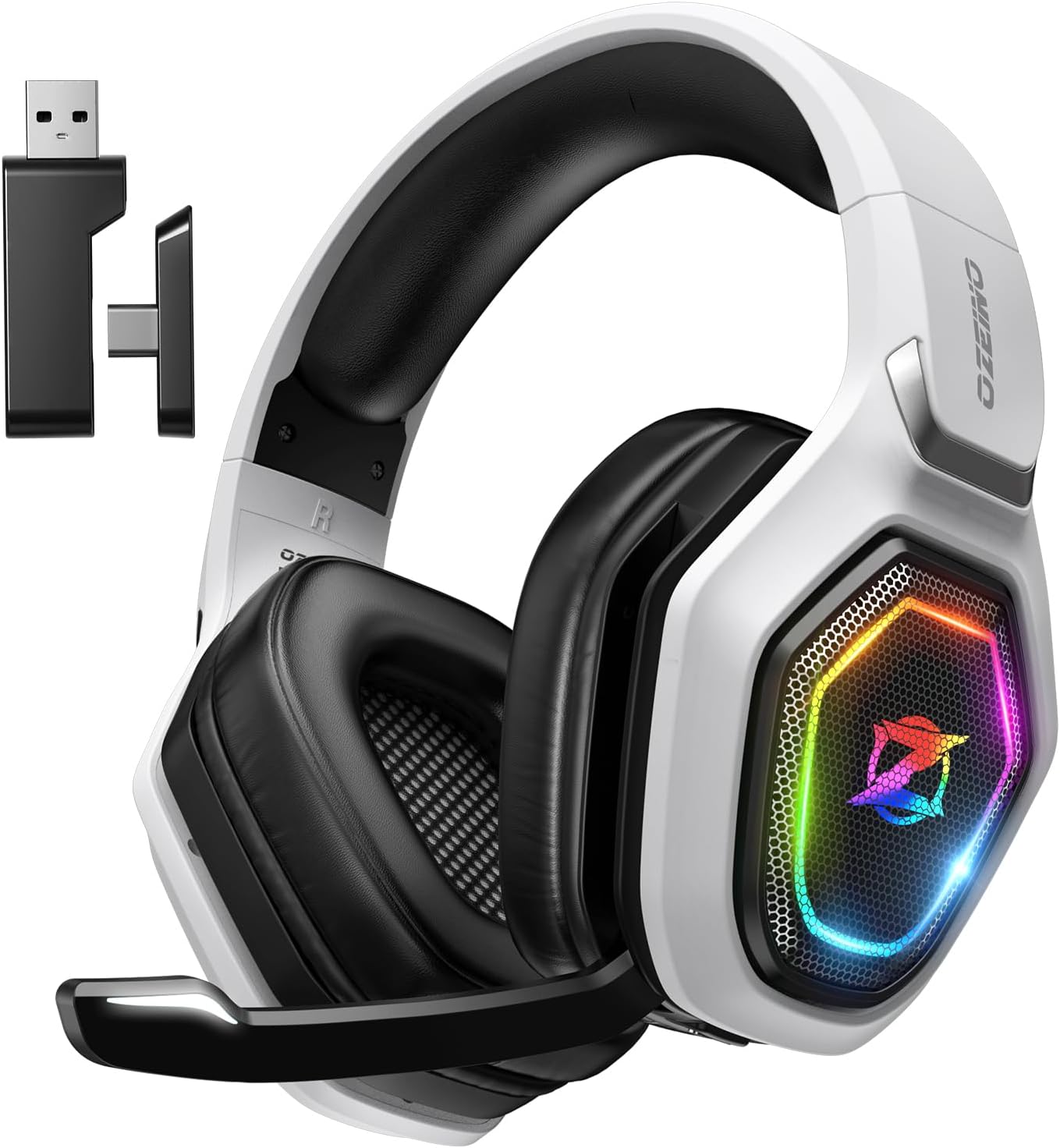
Ozeino OW810 Wireless Gaming Headset Review: Decent Budget Sound, With a Big Xbox Catch
Ozeino OW810 Wireless Gaming Headset Review The Ozeino OW810 is…
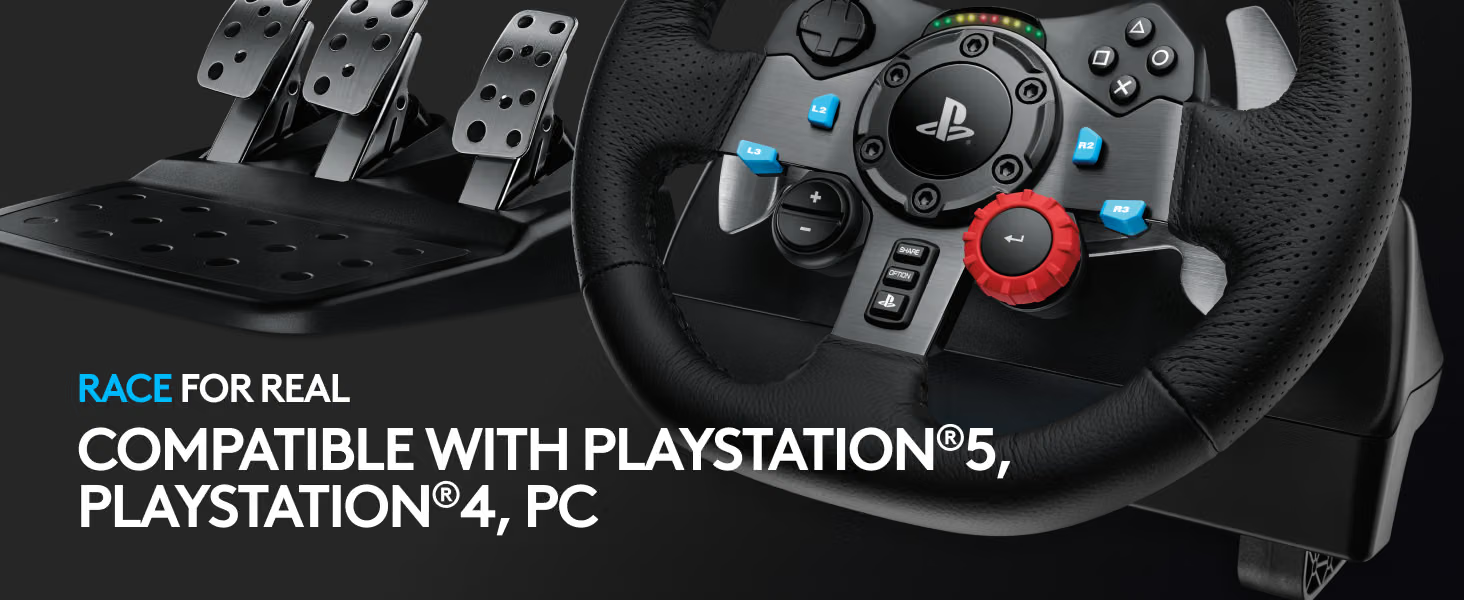
Logitech G29 Racing Wheel Review: The Budget Sim-Racing Standard, Still Solid a Decade Later
Logitech G29 Racing Wheel Review Before anything else, an important…

Etekcity Multifunction Kitchen Scale Review (2026): Solid Value, With a Few Caveats
The Etekcity stainless steel kitchen scale has spent years near…
