
Overview
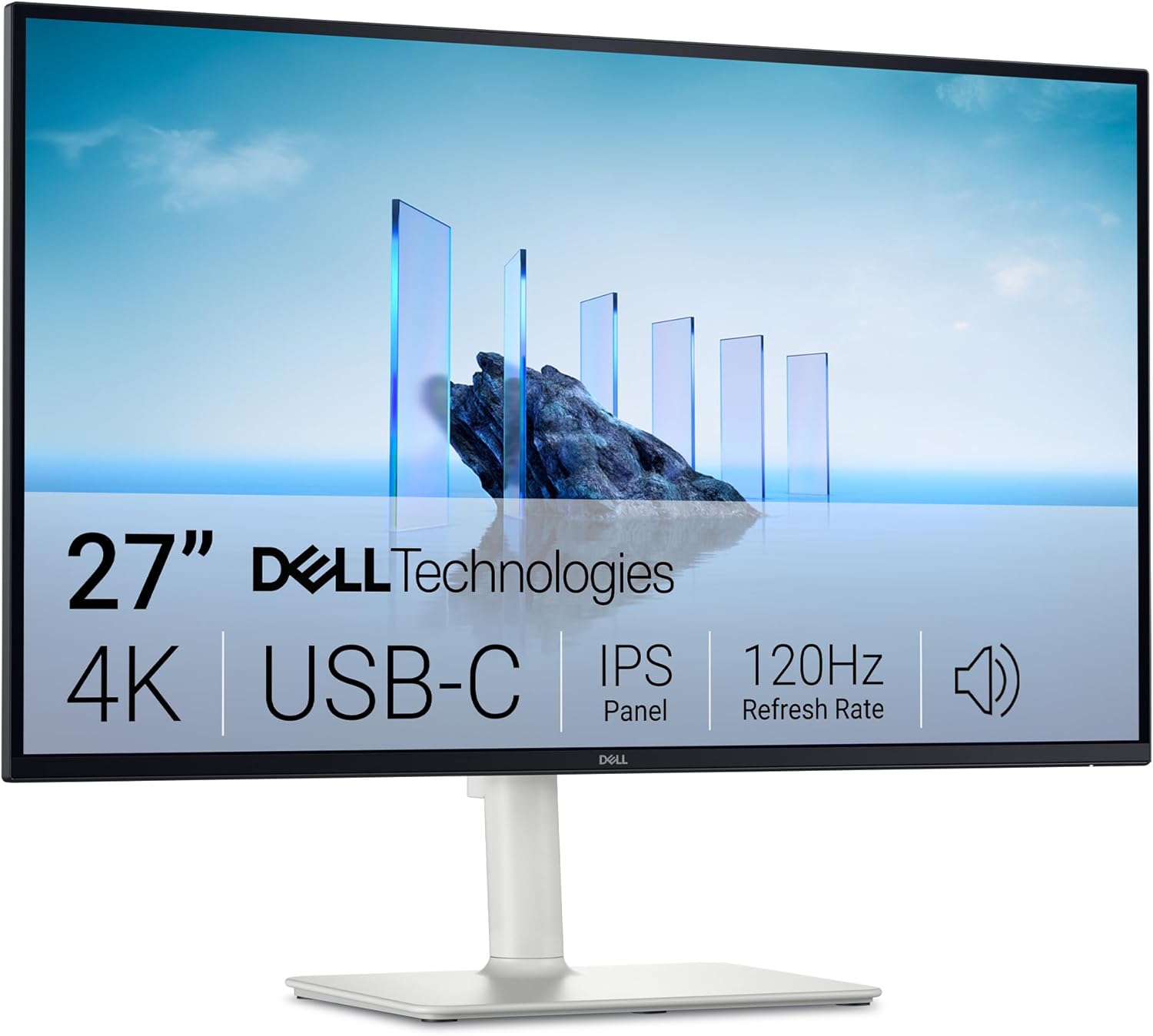
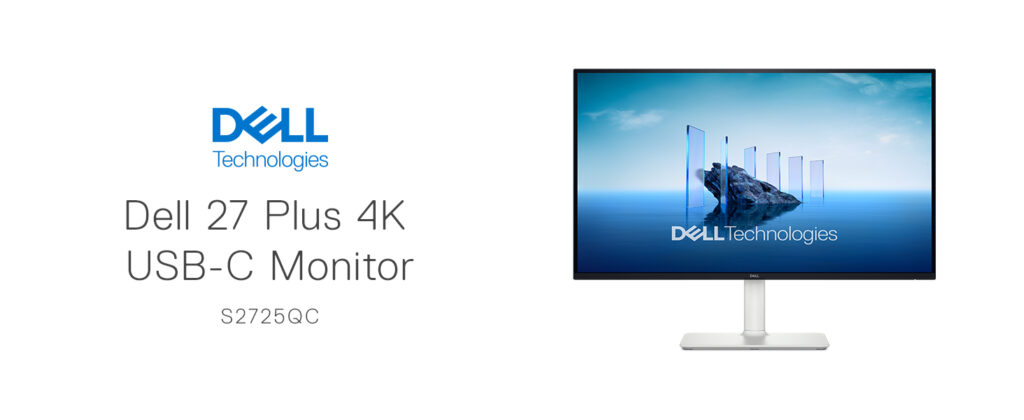
The Dell 27 Monitor S2725QC is a 27-inch 4K UHD IPS display built to bridge the gap between serious productivity and genuinely enjoyable entertainment or light gaming use. It combines a sharp 3840×2160 resolution (163 PPI) with a 120Hz refresh rate, AMD FreeSync Premium, and a 4ms response time (down to 0.03ms in certain modes), all while offering single-cable USB-C connectivity with up to 65W of power delivery. It carries a TÜV 4-star eye comfort certification, 99% sRGB color coverage, and a 1500:1 contrast ratio with HDR readiness. It typically retails in the $300–$400 range depending on promotions, positioning it as a premium mid-tier monitor rather than an entry-level display.
Display Quality
This is the monitor’s clear strength. The 4K IPS panel delivers the color accuracy and wide viewing angles IPS technology is known for, backed by 99% sRGB coverage for genuinely vivid, accurate colors right out of the box. The 1500:1 contrast ratio and HDR readiness add real depth to both video content and games, and at 163 pixels per inch, text and fine detail stay crisp even at close viewing distances — a meaningful benefit for anyone doing detailed spreadsheet, design, or document work.
The 120Hz refresh rate paired with AMD FreeSync Premium is a genuinely notable inclusion at this price and resolution — 4K at 120Hz is still relatively uncommon outside of higher-end gaming monitors, and having it here means the S2725QC can comfortably serve as a hybrid work-and-play display without needing a second, dedicated gaming monitor.

Connectivity and Power Delivery
The headline convenience feature is single-cable USB-C connectivity with up to 65W of power delivery, letting you connect a laptop, charge it, and drive the display all through one cable — a genuine desk-decluttering upgrade compared to juggling separate power, HDMI, and USB cables. Beyond USB-C, the monitor also includes HDMI and DisplayPort inputs, giving flexibility for desktops or older laptops that don’t support USB-C video output.

Eye Comfort
Dell’s ComfortView Plus technology is built directly into the panel, reducing harmful blue light emissions by up to 35% without the color-accuracy trade-off you’d normally get from a software-based blue light filter — a distinction Dell specifically highlights, since many blue-light modes wash out color in exchange for reduced eye strain. Combined with the TÜV 4-star eye comfort certification, this is a genuinely strong pick for anyone spending long hours in front of a screen who still cares about accurate colors for work.
Sound Quality
Dell specifically markets improved audio on this generation of the S-series line, citing greater output power, deeper frequency response, and a wider decibel range than the previous generation’s built-in speakers. Built-in monitor speakers are rarely a replacement for dedicated audio, but the upgrade is a welcome one for casual use — video calls, background music, or the occasional show — without needing external speakers on your desk.
Design
The monitor uses an LED edgelight system with a focus on eye comfort and consistent brightness, and Dell’s broader S-series and Plus-series lineup (which this model belongs to) is generally recognized for clean, understated design that fits well in both home and office settings. As with other Dell “Plus” monitors, expect a modern, minimal-bezel look rather than an aggressive gaming aesthetic.
Value
At its price point, the S2725QC packs in a combination of features — true 4K resolution, 120Hz refresh, FreeSync Premium, 65W USB-C power delivery, and strong eye-comfort credentials — that’s genuinely hard to match without stepping up considerably in price. It holds a strong aggregate customer rating (4.5 out of 5 across hundreds of reviews), reflecting consistent buyer satisfaction with the overall package.
Pros and Cons
Verdict
The Dell 27 Plus 4K Monitor (S2725QC) is a genuinely well-rounded display that manages to check nearly every box for a hybrid work-and-entertainment setup: sharp, accurate 4K visuals, a fast 120Hz refresh rate, convenient single-cable USB-C connectivity, and real eye-comfort engineering rather than a superficial software toggle. It’s priced as a premium monitor, but the feature set backs that up — for anyone who wants one screen that handles spreadsheets, video calls, streaming, and light gaming equally well, it’s an easy, well-supported recommendation.
Related Posts

Lenovo Tab One Review: A Genuinely Solid Budget Tablet, As Long As You Know Its Limits
Lenovo Tab One Review Overview This review covers the Lenovo…
MNN 15.6″ Portable Monitor Review (2026): Best Budget USB-C Travel Display?
At under $90, the MNN 15.6-inch FHD portable monitor packs…

Razer BlackShark V3 Pro Review: Brilliant Headset, But Reviewers Openly Disagree on Its Headline Feature
Razer BlackShark V3 Pro Wireless ANC Review Two variant clarifications…
