
Overview
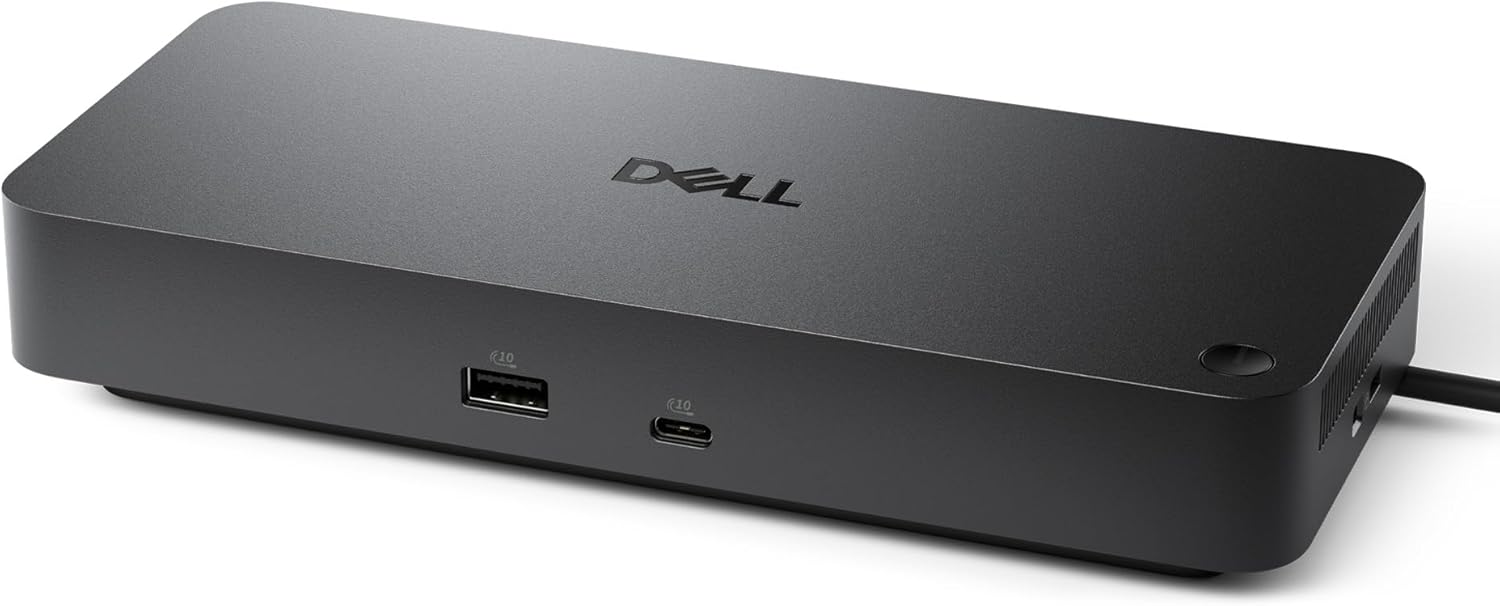
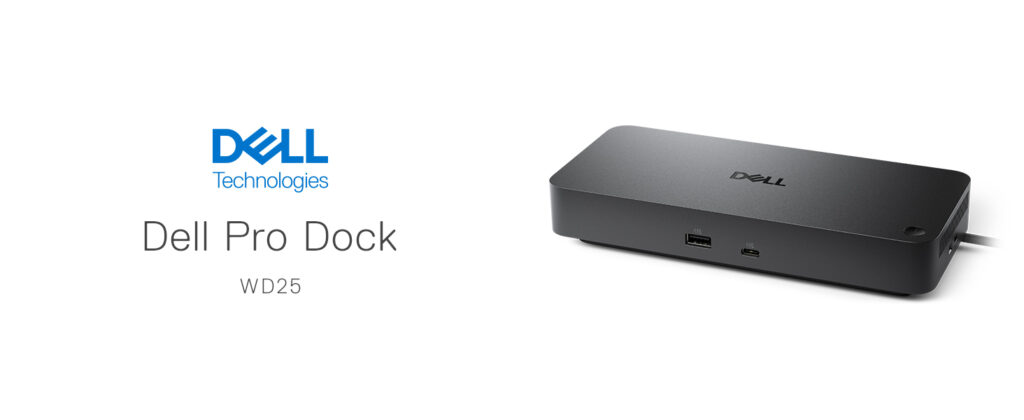
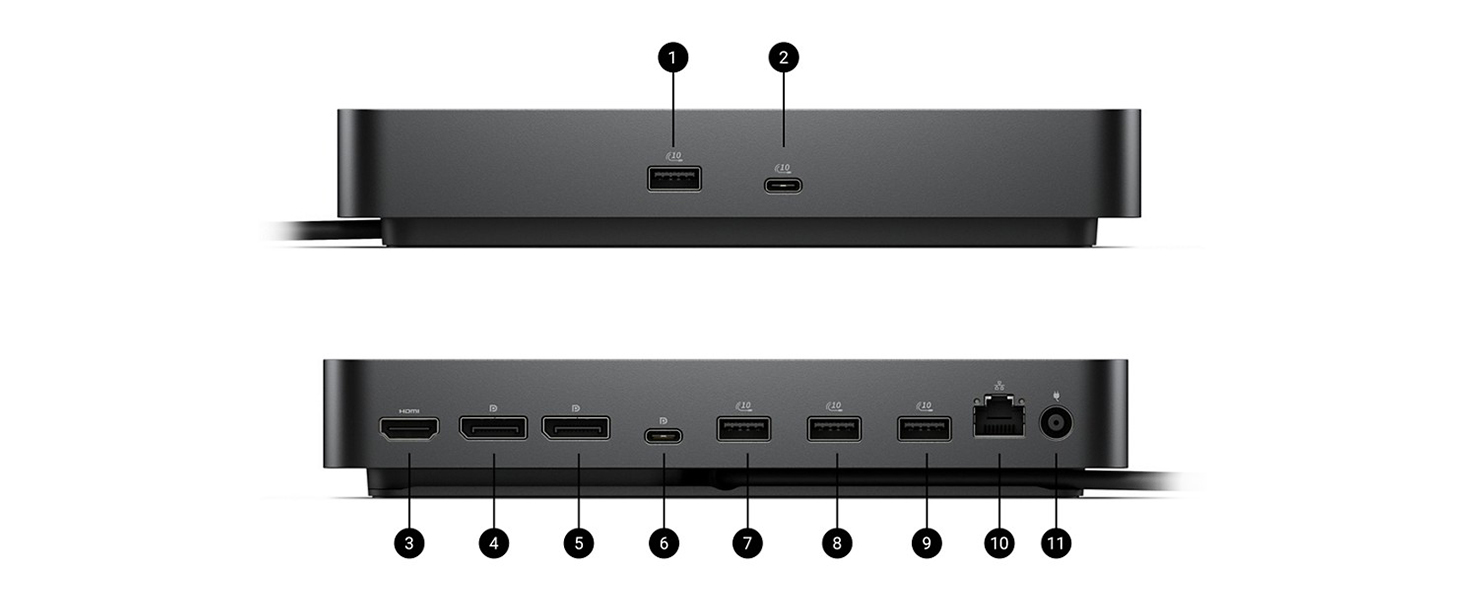
The Dell Pro Dock WD25 is Dell’s mainstream USB-C docking station for its 2025 Pro Dock lineup, built to consolidate a laptop’s power, display, and data connections into a single cable. It’s worth noting upfront: this is a USB-C dock using DisplayPort Alt Mode, not a Thunderbolt or DisplayLink dock — a meaningful distinction if you’re comparing it against pricier alternatives like Dell’s WD22TB4 or SD25TB5. It ships with a 130W power adapter and connects via a single USB-C cable, offering up to 100W of charging to Dell systems (96W for non-Dell laptops), 2.5GbE Ethernet, six USB 3.2 Gen 2 ports, two DisplayPort 1.4 ports, and one HDMI 2.1 port. It typically retails around $164.
Display Support
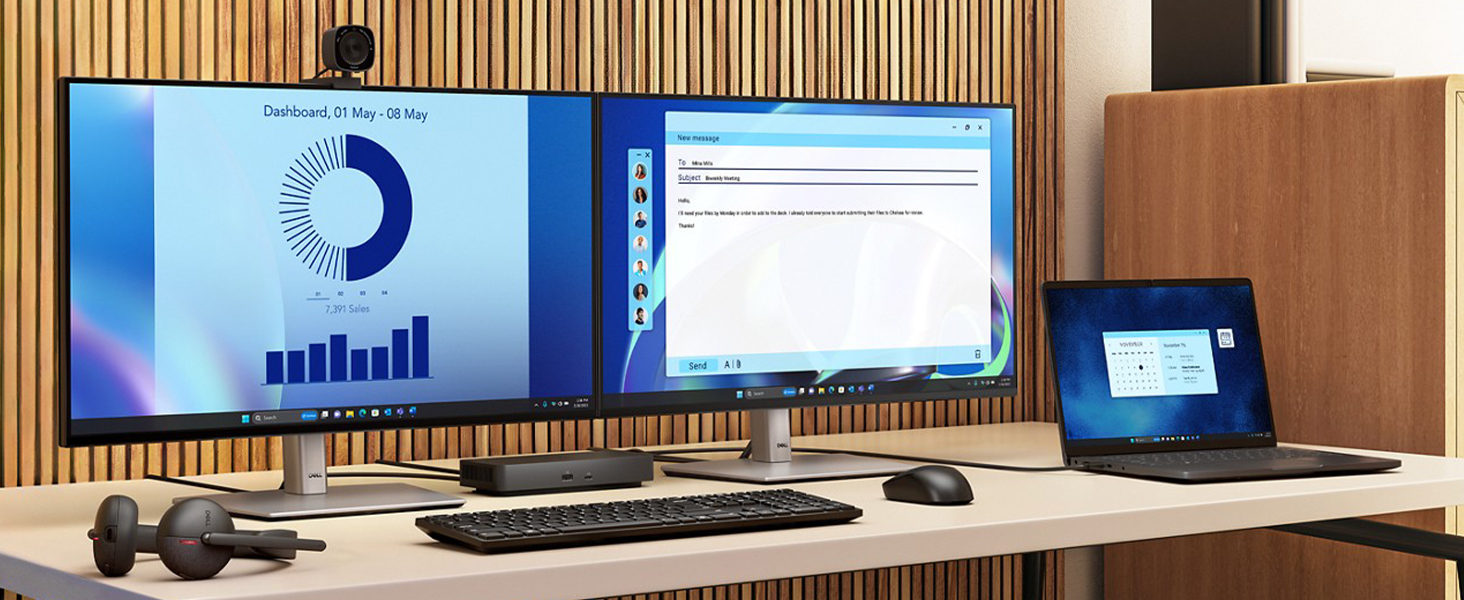
The WD25 supports up to four external displays, though the exact combination depends heavily on your laptop’s GPU, display resolution, and whether Display Stream Compression is supported. In practical terms, that flexibility looks like: up to four displays at WQHD (3440×1440) at 60Hz, two displays at 5K (5120×2160) at 60Hz, or a single 6K (6144×3456) display at 60Hz, using the two DisplayPort 1.4 ports, the HDMI 2.1 port, and a rear USB-C port with DisplayPort 1.4 Alt Mode. For most office setups — one to three monitors at standard resolutions — this range comfortably covers typical needs without requiring the more expensive Thunderbolt tier of dock.
Power Delivery
Rated at up to 100W for Dell systems and 96W for other brands, the WD25 is genuinely capable of powering demanding Dell laptops like the Latitude 5450 or XPS 14 at full charging speed without needing a separate power brick on your desk. One in-depth review specifically tested this under real load, reporting stable power delivery with no overheating even while simultaneously driving three external 4K monitors, multiple USB peripherals, and an active network connection — a solid signal of reliable engineering under a realistic daily workload.
Ports and Connectivity
Six USB 3.2 Gen 2 ports give plenty of room for peripherals — keyboard, mouse, webcam, external storage — without needing a separate USB hub, and the built-in 2.5GbE Ethernet port is a meaningful step up over the Gigabit Ethernet found on older Dell docks, useful for offices with faster network infrastructure. Business-oriented features like Wake-on-LAN and MAC address pass-through round out the package, both genuinely useful in managed IT environments where the dock needs to behave predictably even when the laptop itself is asleep.
Build Quality and Design
Reviewers describe the WD25’s matte black design as understated but sturdy, avoiding unnecessary bulk while still feeling substantial on a desk. Dell also highlights sustainability credentials on this model, with the dock built using a meaningful percentage of post-consumer recycled materials and shipped in fully recycled or renewable packaging — a nice touch if that factors into your purchasing decisions.
Compatibility
The WD25 is designed to work best with Dell commercial laptops, though it should provide standard USB-C dock functionality on other USB-C or Thunderbolt-equipped laptops, including Macs, with the caveat that non-Dell systems cap out at 96W charging and may see some feature limitations (like Wake-on-LAN) that are specifically tuned for Dell hardware and Dell’s Device Management Console.
How It Compares
Independent buying guides that benchmark the current Dell docking station lineup consistently name the WD25 as the best overall pick for most Dell laptop owners, citing its combination of 100W charging, solid triple-display output, and 2.5GbE networking at a competitive price relative to Dell’s Thunderbolt-based options. If you specifically need Thunderbolt bandwidth — for four 4K 120Hz displays or extremely high-throughput external storage — the pricier SD25TB5 is the step-up option, but for typical multi-monitor office work, the WD25 hits a strong balance of capability and price.
Pros and Cons
Verdict
The Dell Pro Dock WD25 isn’t trying to be flashy — it’s a dependable, well-engineered docking station that handles the fundamentals of hybrid and office work extremely well: strong charging, solid multi-display support, and a full set of business-friendly networking features, all in a compact, sturdy unit. It’s not the dock to buy if you specifically need Thunderbolt-level bandwidth for high-end multi-monitor or storage setups, but for most Dell laptop owners looking to simplify their desk to a single cable, it’s a smart, competitively priced choice.
Related Posts
ANCEL AD310 OBD II Scanner Review: The Beginner’s Check Engine Light Fix
Overview The ANCEL AD310 Classic Enhanced Universal OBD II Scanner…

Samsung 32-Inch H5000F Smart TV Review: A Genuinely Good Budget Pick, With One Important Catch
Samsung 32-Inch H5000F Smart TV Review The Samsung H5000F is…

ASUS TUF Gaming F16 (2025) Review: Rugged, Reliable, and Ready to Game
Review The TUF Gaming F16 is ASUS's rugged, budget-friendly line,…
