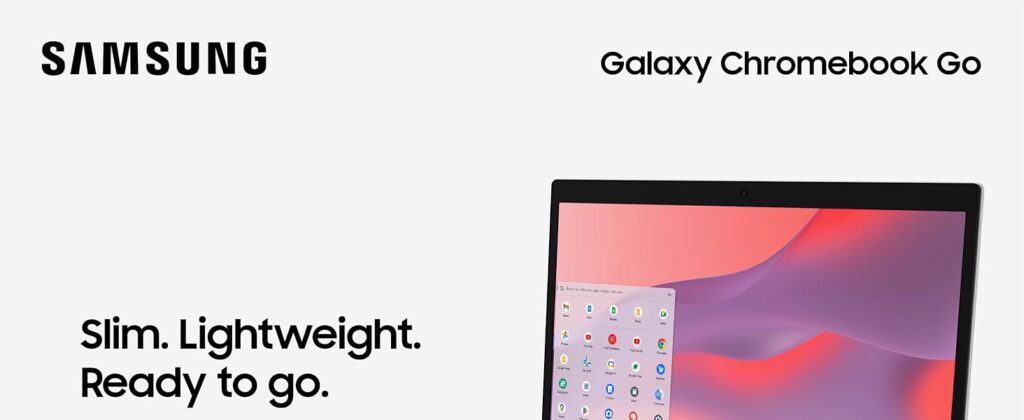
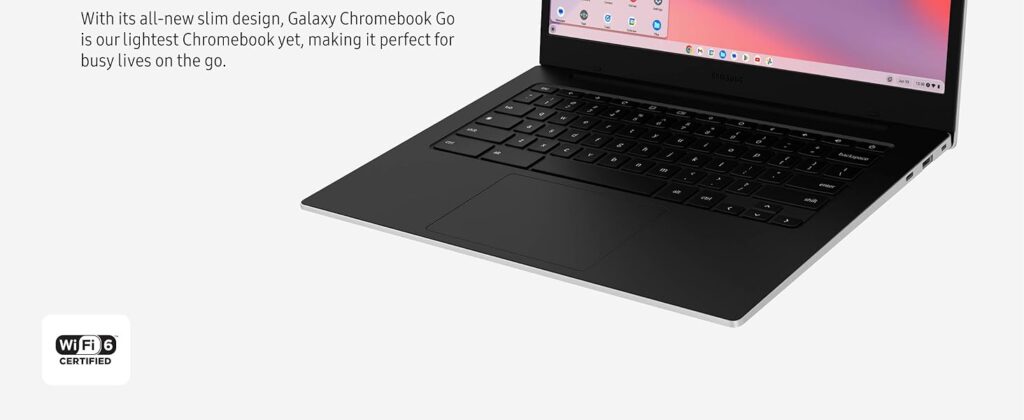
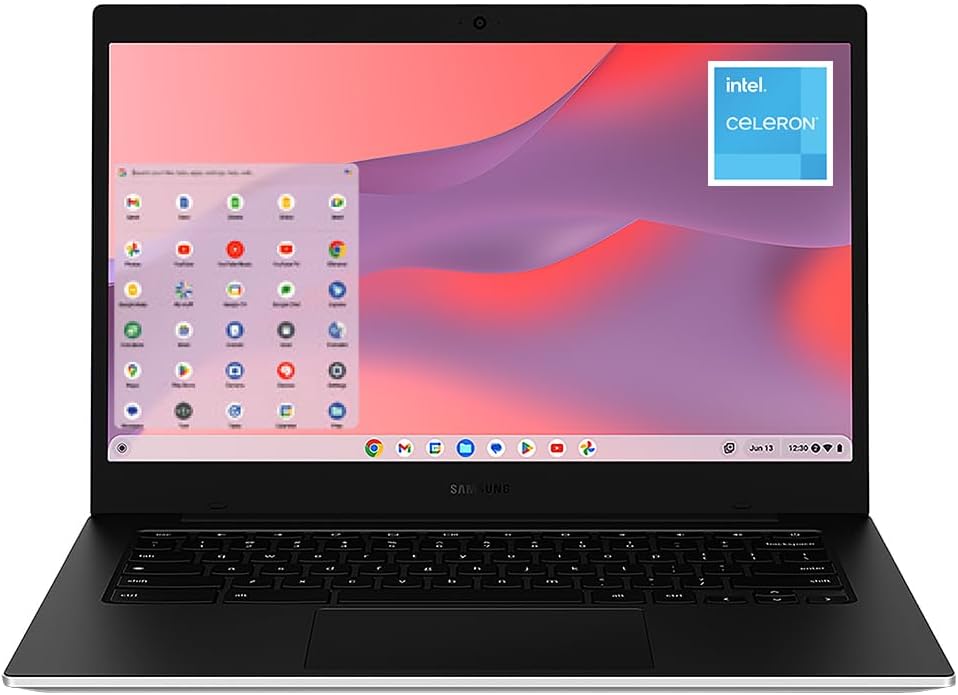
The Samsung Galaxy Chromebook Go (XE340XDA-KA2US) is designed with one goal in mind: delivering a simple, affordable, and reliable computing experience for students and everyday users.
With a 14-inch display, Intel Celeron N4500 processor, 4GB of RAM, and 64GB of storage, it focuses on portability and battery life rather than raw power.
For web browsing, online classes, streaming, and Google Workspace, it’s one of the strongest budget options available.
Performance: Perfect for Everyday Tasks
Powered by the Intel Celeron N4500, the Chromebook Go handles:
- Google Docs,
- Gmail,
- YouTube,
- Netflix,
- Zoom,
- Google Meet,
- online research,
- and light multitasking
without major issues.
ChromeOS helps maximize the modest hardware, resulting in fast boot times and responsive performance for web-based tasks.
However, heavy multitasking can expose its limitations. Opening dozens of tabs or running demanding Android apps may slow things down.
Outstanding Battery Life
Samsung advertises up to 12 hours of battery life, making it ideal for school days and travel.
Real-world reviews report approximately 10–11 hours of mixed usage, enough to get through:
- classes,
- assignments,
- meetings,
- and entertainment
without constantly searching for a charger.
Lightweight and Durable
Portability is one of its biggest strengths.
The Galaxy Chromebook Go is:
- thin,
- lightweight,
- backpack-friendly,
- and designed to withstand everyday use.
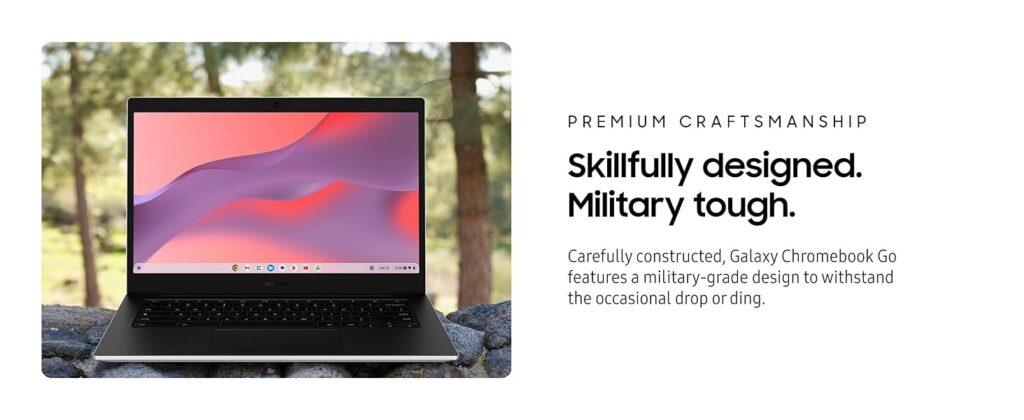
Samsung also promotes enhanced durability, making it particularly appealing for younger students and users frequently on the move.
Display: Good Enough, But Not Exceptional
The 14-inch HD display provides comfortable screen space for studying and browsing.
It works well for:
- writing essays,
- attending classes,
- watching videos,
- and web browsing.
The downside is that the screen isn’t particularly bright or vibrant. Colors and viewing angles are average compared to more expensive laptops. This remains its biggest compromise.
ChromeOS Is the Real Advantage
ChromeOS offers:
- fast startup,
- automatic updates,
- strong security,
- virus resistance,
- and seamless integration with Google services.
For users already living inside the Google ecosystem, the experience feels effortless.
Because ChromeOS relies heavily on cloud services, the 64GB storage is usually sufficient if you use Google Drive regularly.
Quick Specifications |
|
|---|---|
| Display | 14-inch HD |
| Processor | Intel Celeron N4500 |
| RAM | 4GB |
| Storage | 64GB eMMC |
| Operating System | ChromeOS |
| Battery Life | Up to 12 Hours |
| Connectivity | Up to 12 Hours |
| Weight | Lightweight Design |
Final Verdict
The Samsung Galaxy Chromebook Go isn’t trying to replace a MacBook or a powerful Windows laptop.
Instead, it succeeds by focusing on what most students and casual users actually need:
• reliability,
• simplicity,
• long battery life,
• and affordability.
If your daily routine revolves around the web, Google apps, streaming, and online classes, this Chromebook remains one of the smartest budget laptop purchases in 2026.
SLIM. LIGHTWEIGHT. READY TO GO: The all-new slim design is perfect for busy lives on the go.
SKILLFULLY DESIGNED. MILITARY TOUGH: Built with premium craftsmanship to withstand the occasional drop or ding.
Related Posts

Meta Quest 3 (512GB) Review: Still the Best Standalone VR Headset in 2026?
Review Released back in October 2023, the Quest 3 has…
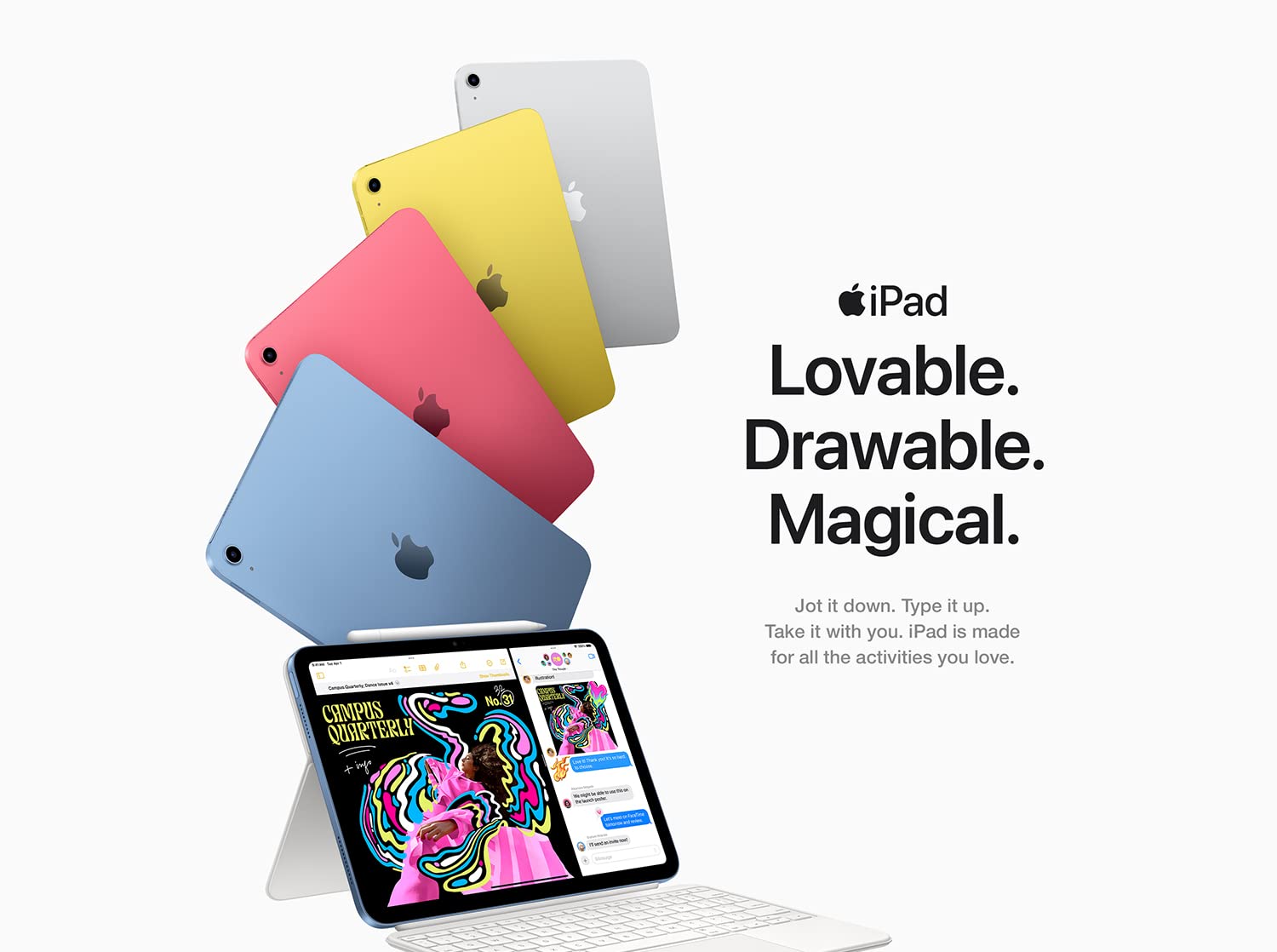
Apple iPad (A16) 11-inch Review — The Best Tablet for Most People in 2026
The Apple iPad 11-inch (A16) proves that you don't need…
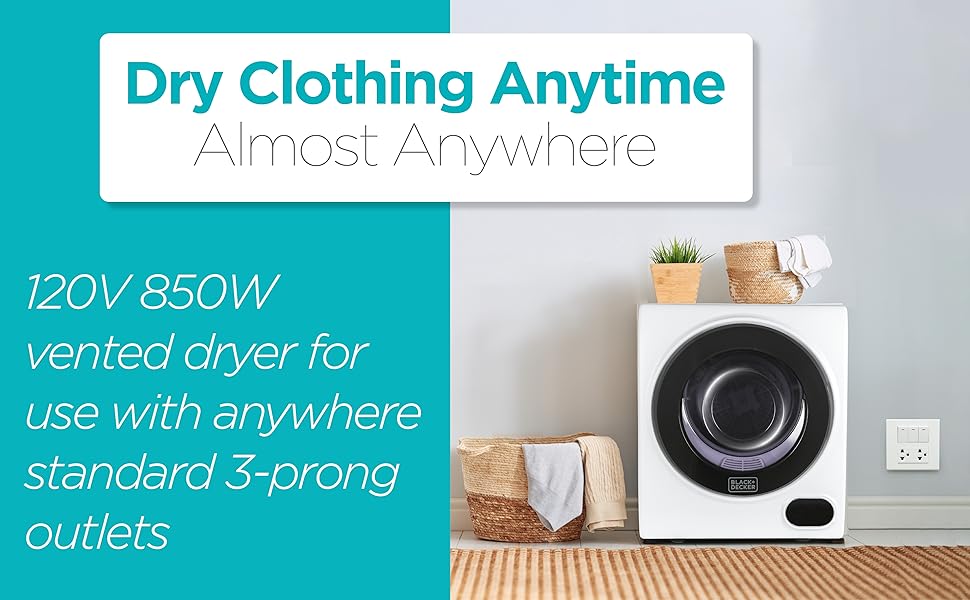
BLACK+DECKER Portable Electric Dryer Review — A Compact Laundry Solution for Small Spaces
For people living in: apartments, condos, RVs, dorms, or homes…
