
Alienware Aurora ACT1250 Review
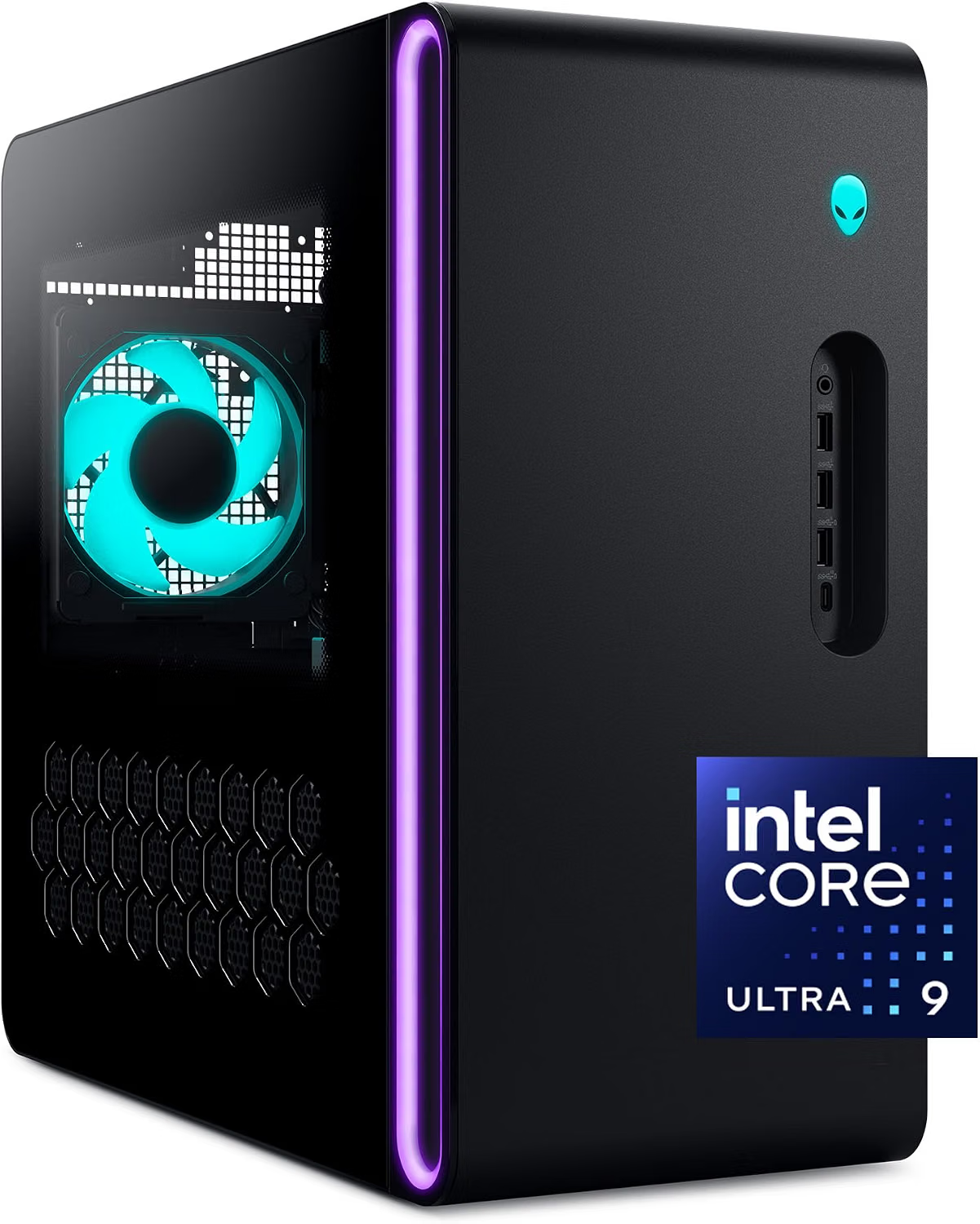
This is Dell’s current-generation Alienware Aurora, specifically the ACT1250 configuration listed on Amazon with an Intel Core Ultra 9 285 processor (the standard, non-“K” variant), an Nvidia GeForce RTX 5080 with 16GB of GDDR7 memory, 32GB of dual-channel DDR5 RAM, a 1TB NVMe SSD, a 1000W Platinum-rated power supply, and a 240mm AIO liquid cooler, all inside a case with a clear side panel. It’s worth flagging up front that Dell sells the Aurora ACT1250 in a huge range of configurations — different CPUs, GPUs, storage sizes, and bundled peripherals — so if you’re comparison shopping, confirm you’re looking at this exact spec sheet rather than a similarly named listing, since prices and included extras (some bundles throw in a copy of Battlefield 6, for instance) vary meaningfully between them.
Design: smaller, more understated than past Alienware towers
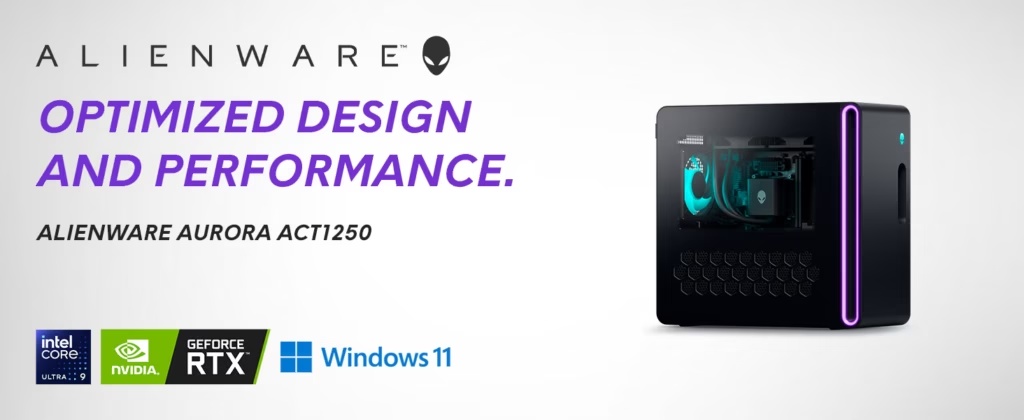
The ACT1250 uses Alienware’s newer “Legend 3” design language, and reviewers consistently describe it as a significant departure from the bolder, more overtly “gamer” aesthetic of older Aurora models like the R15. One detailed hands-on review described the case as roughly 40% smaller than its predecessor, at about 25 liters, with a more office-friendly, understated black chassis and modest RGB lighting rather than an aggressive gaming look. Port selection was called excellent, with multiple USB-A and USB-C ports, audio jacks for surround sound setups, and a full-size Ethernet port. If you preferred the flashier, more overtly “alien” styling of older Alienware towers, know that this generation trades that look for a more compact, subdued design that fits more easily into a normal office or living room setup.
Gaming performance: strong, with a real caveat
In hands-on testing with this exact configuration (Core Ultra 9 285, RTX 5080, 32GB RAM), Cyberpunk 2077 at 4K with ray tracing and DLSS frame generation averaged in the high 70s to high 80s fps indoors and low 90s outdoors — a demanding, real-world benchmark that the system handled smoothly, without noticeable stuttering. Even without DLSS, the system exceeded 67 fps at 1080p and stayed steady at 1440p in the same test, which the reviewer noted isn’t something most midrange gaming PCs can manage. With DLSS 4.0 enabled, frame rates jumped further, exceeding 100 fps at 1080p Ultra and 76 fps at 1440p. Other titles, like Total War: Warhammer 3, held 60+ fps at 1440p and stayed playable even at 4K.
The honest caveat here, straight from that same review: benchmark testing showed there hasn’t been a dramatic frame-rate jump in many games compared to the previous-generation Aurora R16 with an RTX 4080 from 2023. That doesn’t mean the RTX 5080 configuration isn’t fast — it clearly is — but if you already own a recent high-end gaming PC, the generational leap may be smaller than the “5080 vs 4080” naming alone would suggest.
The upgradability trade-off — a real, documented concern
This is the most important thing to understand before buying, and it’s flagged consistently across independent coverage: Dell uses a proprietary, uniquely shaped motherboard in the Aurora ACT1250 that doesn’t match standard ATX or mATX form factors. One detailed review awarding the system 4.5 out of 5 stars still listed “limited future upgradability” and “proprietary motherboard” as its two named cons, even while praising the system’s performance and thermal improvements elsewhere in the same piece. Enthusiast forums echo the same concern — one commenter discussing this exact configuration on a deal-tracking site said the proprietary motherboard was the one thing giving them pause, given how it restricts your ability to swap in standard components down the line. In practice, this means that while you can likely add storage or RAM within Dell’s supported limits, replacing the motherboard, power supply, or case with off-the-shelf parts later isn’t realistic the way it would be with a custom-built PC. If long-term component swapping matters to you, this is a real limitation, not a minor nitpick.
Thermals and build quality
On the positive side, the same review that flagged the upgradability trade-off also credited Dell with meaningfully improving thermal performance in this generation compared to older Aurora models, which have historically struggled with heat management in a compact case. The 240mm liquid cooler, combined with improved cable management and additional case venting, was described as handling the RTX 5080 and Core Ultra 9 285 well even under sustained gaming loads. Build quality was also rated positively, with the reviewer calling it “rock-solid.”
Storage: fine for now, tight over time
At 1TB, the included SSD is workable for a handful of modern games plus your OS, but multiple reviewers flagged that this size fills up quickly given how large current AAA game installs have become — some top-tier competitors and higher configurations of this same Aurora line offer 2TB or more. If you play multiple large games at once or do any content creation work involving big files, budget for either a higher-storage configuration or a supplemental external/internal drive down the line.
Included accessories
The system comes bundled with a wired Dell keyboard and mouse, which reviewers note are functional but basic — don’t expect gaming-tier peripherals out of the box. A monitor is not included and needs to be purchased separately.
Pros and Cons
Verdict
The Alienware Aurora ACT1250 in this configuration is a genuinely capable gaming desktop that handles demanding modern titles well at 1440p, with usable 4K performance when DLSS is enabled, backed by real thermal improvements and solid build quality. The trade-off buyers need to go in understanding clearly is Dell’s use of a proprietary motherboard, which caps how much you can meaningfully upgrade this system down the road compared to a custom-built PC using standard parts — that’s a real limitation flagged by multiple independent sources, not a minor footnote. If you want a strong, ready-to-game pre-built system and don’t plan on doing major internal upgrades yourself in a few years, this remains a solid, well-reviewed choice. If future upgradability is a priority for you, it’s worth weighing this against a custom build or a competitor using standard components before committing.

Related Posts

Soundcore P20i Review: Great Battery, Budget Sound — Is It Worth It?
Based on multiple independent tests (RTINGS, TechGearLab, Head-Fi, and others),…
MNN 15.6″ Portable Monitor Review: The Budget Second Screen for Travel and Work
Review The MNN M156F01 is a budget portable monitor that's…

Keurig K-Mini Single Serve Coffee Maker Review: Is This the Best Compact Coffee Machine?
🔍 Overview The Keurig K-Mini is a single-serve coffee maker…
