
Overview
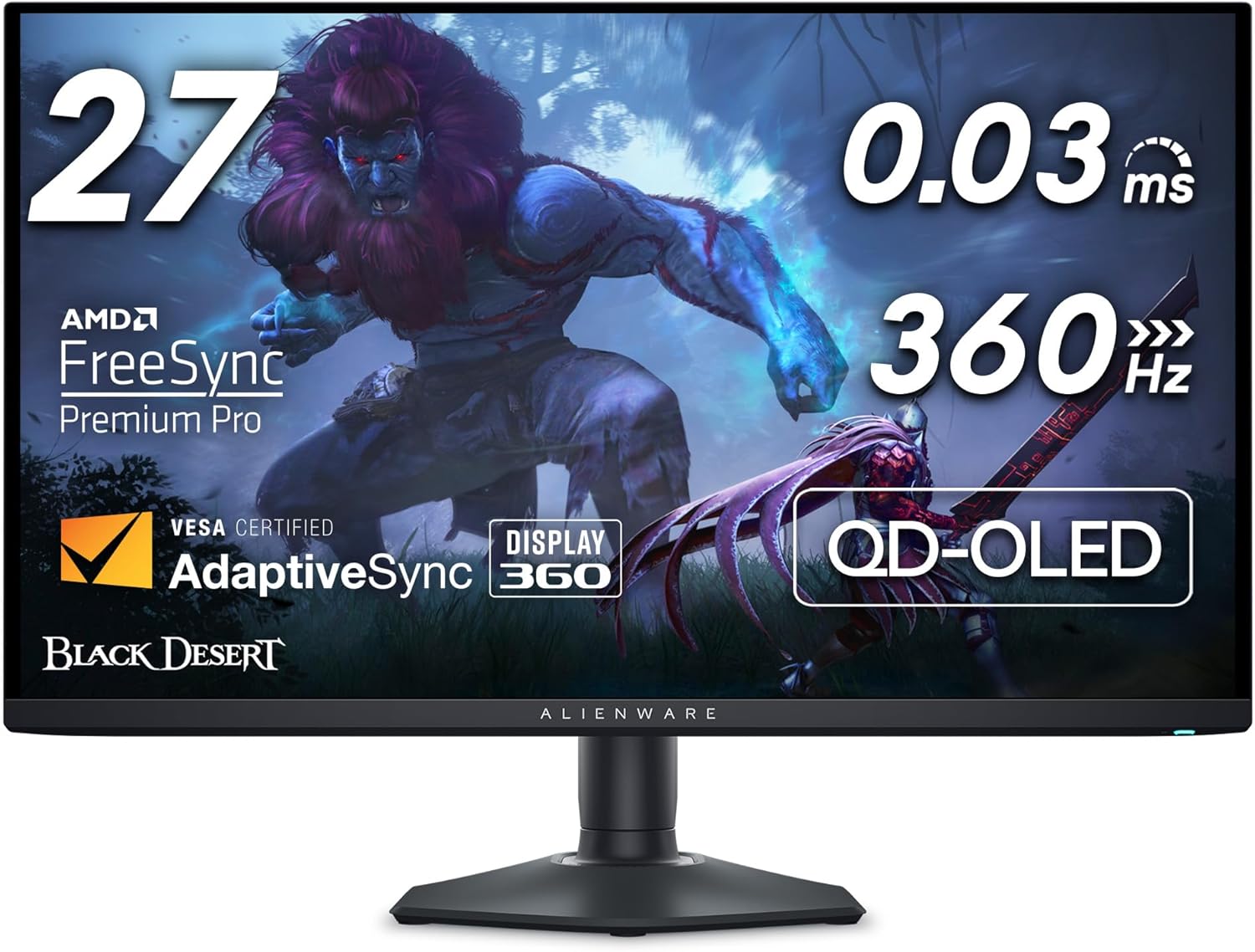
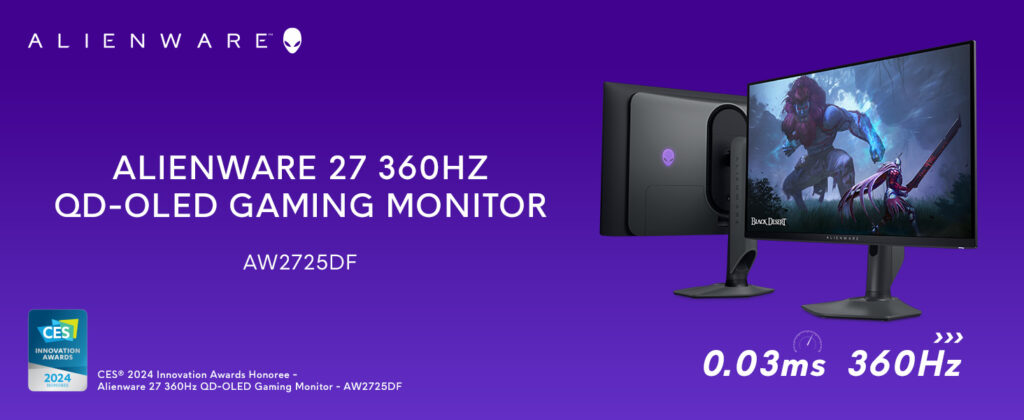
This review covers the Alienware AW2725DF, a 26.7-inch flat QD-OLED gaming monitor in black, running WQHD resolution (2560×1440) at up to 360Hz, with a 0.03ms gray-to-gray response time, AMD FreeSync Premium Pro, and VESA DisplayHDR True Black 400 certification. This is a single-configuration product — there’s no separate size or panel variant sold under this specific model name, though it’s worth noting Dell/Alienware sells a very similarly named curved ultrawide (the AW3423DW) and a 4K dual-resolution model (AW2725QF) that are different monitors entirely, so if you’re comparison-shopping, make sure the model number matches.
This monitor made headlines as the world’s first 360Hz QD-OLED gaming monitor when it launched, using Samsung’s newer-generation QD-OLED panel technology.
Picture Quality and Color
This is where the AW2725DF earns its strongest praise, and the consensus across reviewers is remarkably consistent. Tom’s Hardware called color accuracy excellent right out of the box, with no calibration needed, and multiple outlets confirmed the DCI-P3 color coverage lands right around Dell’s claimed 99.3%, with genuinely accurate Delta E figures. PCWorld’s independent testing found the monitor’s overall image quality is in league with other OLED monitors of similar size, with above-average color performance. The QD-OLED panel delivers the deep, true blacks and infinite contrast ratio that OLED is known for, making it particularly well-suited to dark, moody game scenes and movies — reviewers consistently flagged that it performs best in rooms with good light control, since it’s a glossy panel prone to reflections in brighter rooms.
HDR: Good, With a Real Caveat
Here’s where a fully honest review needs to push back a bit on the marketing. Dell advertises up to 1,000 nits of peak brightness and VESA DisplayHDR True Black 400 certification, but PCWorld’s direct measurement found that figure is only achievable when a small fraction of the screen is lit — in their HDR test clip, sustained brightness measured around 313 nits with 10% of the display lit, dropping to roughly 207 nits with the full screen lit. Tom’s Hardware measured similarly modest real-world brightness: roughly 250 nits for SDR content and 450 nits in HDR mode. This is a known limitation of QD-OLED technology broadly (power constraints mean OLED panels can’t sustain the same brightness across the full screen that they can achieve in small highlight areas), not something specific to Alienware’s execution — but it does mean the marketed 1,000-nit figure needs some real-world context, and buyers expecting LED-like brightness levels for HDR content in bright rooms may be somewhat disappointed.
Gaming Performance and Motion
This is the monitor’s headline feature, and it delivers. The 360Hz refresh rate combined with the 0.03ms response time produces what Tom’s Hardware and TechSpot both described as extremely crisp, near-blur-free motion, and RTINGS specifically praised the very low input lag, calling out the responsive gaming feel it produces. TFTCentral’s lag testing found signal processing lag around 5.83ms at 60Hz, which is a solid, competitive figure, and a genuine improvement over Alienware’s earlier AW3423DW ultrawide, which TFTCentral had previously flagged for higher lag. One nuance worth noting: TechSpot’s testing did detect noticeable VRR flicker with rapidly changing frame rates — a minor but real issue for some competitive scenarios where frame rates swing widely.
The HDMI 2.1 Labeling Issue
This is the most consistent and pointed criticism across nearly every professional review, and it’s worth explaining clearly because it genuinely affects how you should plan to use this monitor. Dell labels the HDMI port as “HDMI 2.1,” but TFTCentral’s detailed testing found this is misleading — the port is actually limited to older HDMI 2.0-generation bandwidth (18Gbps), which caps it at 144Hz rather than the full 360Hz the panel is capable of. DisplayNinja and PCWorld both confirmed this same limitation independently. In practical terms: to get the monitor’s full 360Hz refresh rate, you need to use DisplayPort, not HDMI. The HDMI port does support HDMI 2.1 VRR for consoles like the PS5, which will still get you 1440p at up to 120Hz — genuinely useful for console gaming — but if you were planning to hit 360Hz over an HDMI connection from a PC, that’s not going to happen with this monitor, despite what the port’s labeling suggests.
Design, Build, and Ergonomics
Reviewers across the board praised the physical design and build quality. Tom’s Hardware noted the tool-free assembly and solid feel of the base and stand, and the monitor includes a fully adjustable stand (height, tilt, swivel, and pivot into portrait mode), plus 3-zone customizable AlienFX RGB lighting for those who want it. Connectivity is generally solid — two DisplayPort 1.4 inputs, the one (bandwidth-limited) HDMI 2.1 port, and five total USB ports including USB-C — though PCWorld noted the USB ports are driven by a USB-B upstream connection rather than USB-C, meaning it isn’t a true USB-C hub despite the presence of a USB-C port, which is a minor letdown at this price point.
Burn-In and Long-Term Durability
As with any OLED panel, the risk of permanent image burn-in from static bright elements displayed too long is a real, inherent consideration — not unique to this monitor, but worth flagging for anyone new to OLED displays. Dell addresses this directly with a 3-year Advanced Exchange Service warranty that explicitly covers OLED burn-in, alongside built-in Panel Health monitoring and automatic Panel Refresh/Pixel Refresh cycles that run periodically to help mitigate the risk. This warranty coverage is a genuinely reassuring safety net that not all OLED monitor makers offer as comprehensively.
How It Compares
The critical reception here has been genuinely excellent and consistent — Tom’s Hardware, PCMag, Windows Central, Reviewed.com, and PCWorld have all given it Editor’s Choice-caliber recognition, and it’s frequently named among the best 27-inch 1440p gaming monitors available. That said, it’s not without direct competition: DisplayNinja specifically pointed to the MSI MPG 271QRX as offering more features at a lower price if you can find it in stock, and it’s worth cross-shopping other 27-inch QD-OLED 1440p 360Hz monitors that have entered the market since this one’s release, since pricing and feature sets in this specific category have gotten more competitive.
Pros and Cons
Verdict
The Alienware AW2725DF is, by strong critical consensus, one of the best 27-inch 1440p gaming monitors available — its color accuracy, true blacks, and class-leading motion clarity at 360Hz make it a genuinely excellent choice for competitive and enthusiast gamers alike, and Dell’s burn-in warranty coverage adds real peace of mind that OLED buyers often worry about. The catch worth taking seriously is the HDMI labeling: if your setup relies on HDMI rather than DisplayPort, you will not get the monitor’s full refresh rate potential, and that’s a legitimate point of confusion Dell’s marketing doesn’t make clear enough. HDR brightness is also more modest in practice than the spec sheet suggests, which is worth knowing going in. None of this erases what is otherwise a genuinely outstanding display — just make sure your PC setup uses DisplayPort, and go in with realistic HDR brightness expectations, and this is a very easy recommendation.

Related Posts

Sweetcrispy Managerial Executive Chair Review: Solid Ergonomics on a Budget
Review Sweetcrispy has built a reputation as a budget-friendly brand…


Crock-Pot 8-Quart Programmable Slow Cooker (Black Stainless) Review: Great Capacity, But Read the Complaints First
Overview This review covers the Crock-Pot Large 8-Quart Programmable Slow…
